

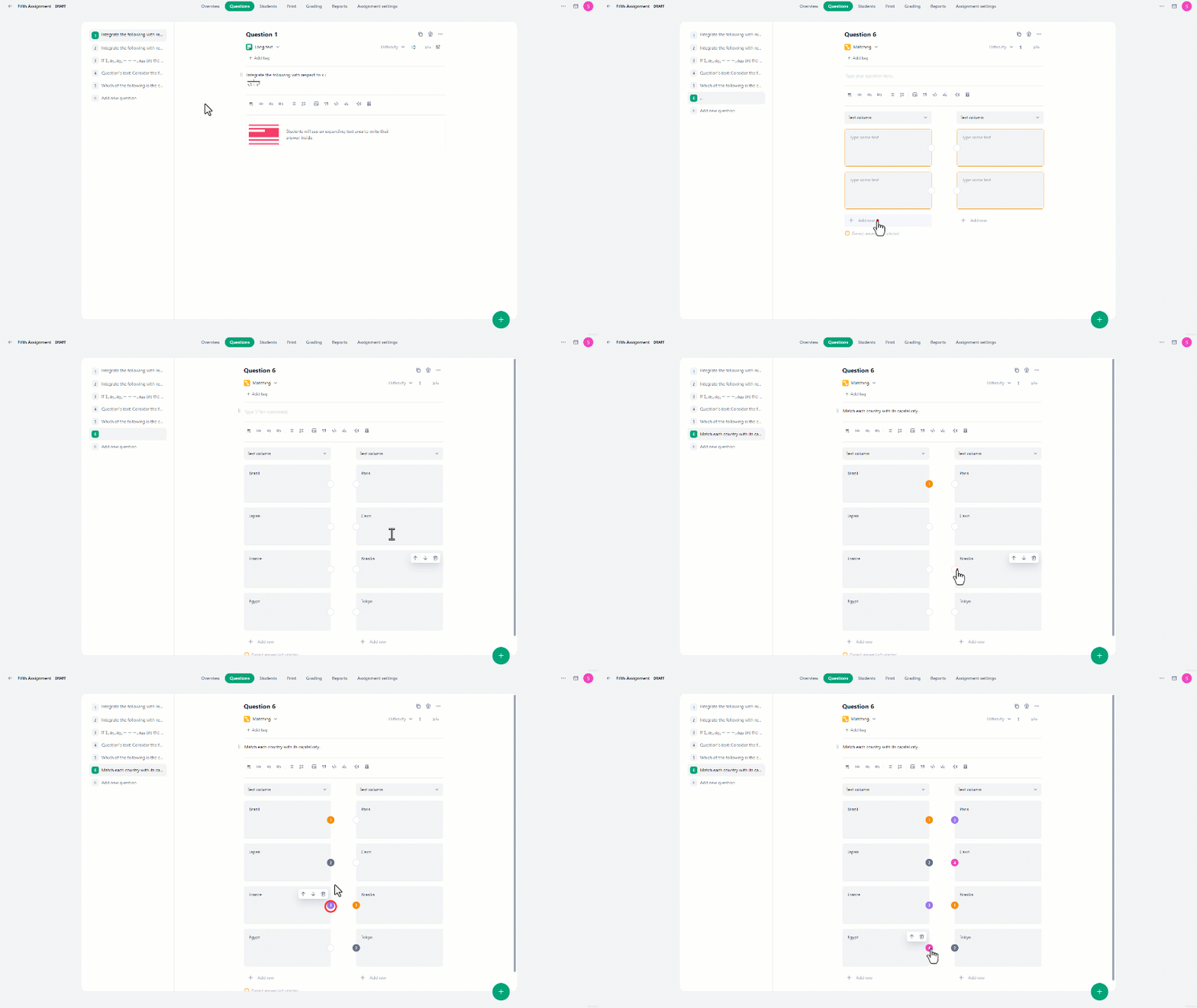
- In the Questions tab, click on the “Add new question” button.
- Then under Questions click on the “Matching” button.
- This will direct you to the interface where you can formulate your question.
- Two rows are already created by default, you can add more by clicking on the “Add row” button.
- After writing the question and filling in all the sentences in the two lists, match list items with their correct counterpart by clicking on the circle on the **edge **of an item from the **first list **and its corresponding pair from the **second list **for the system to memorize them as the correct solution.
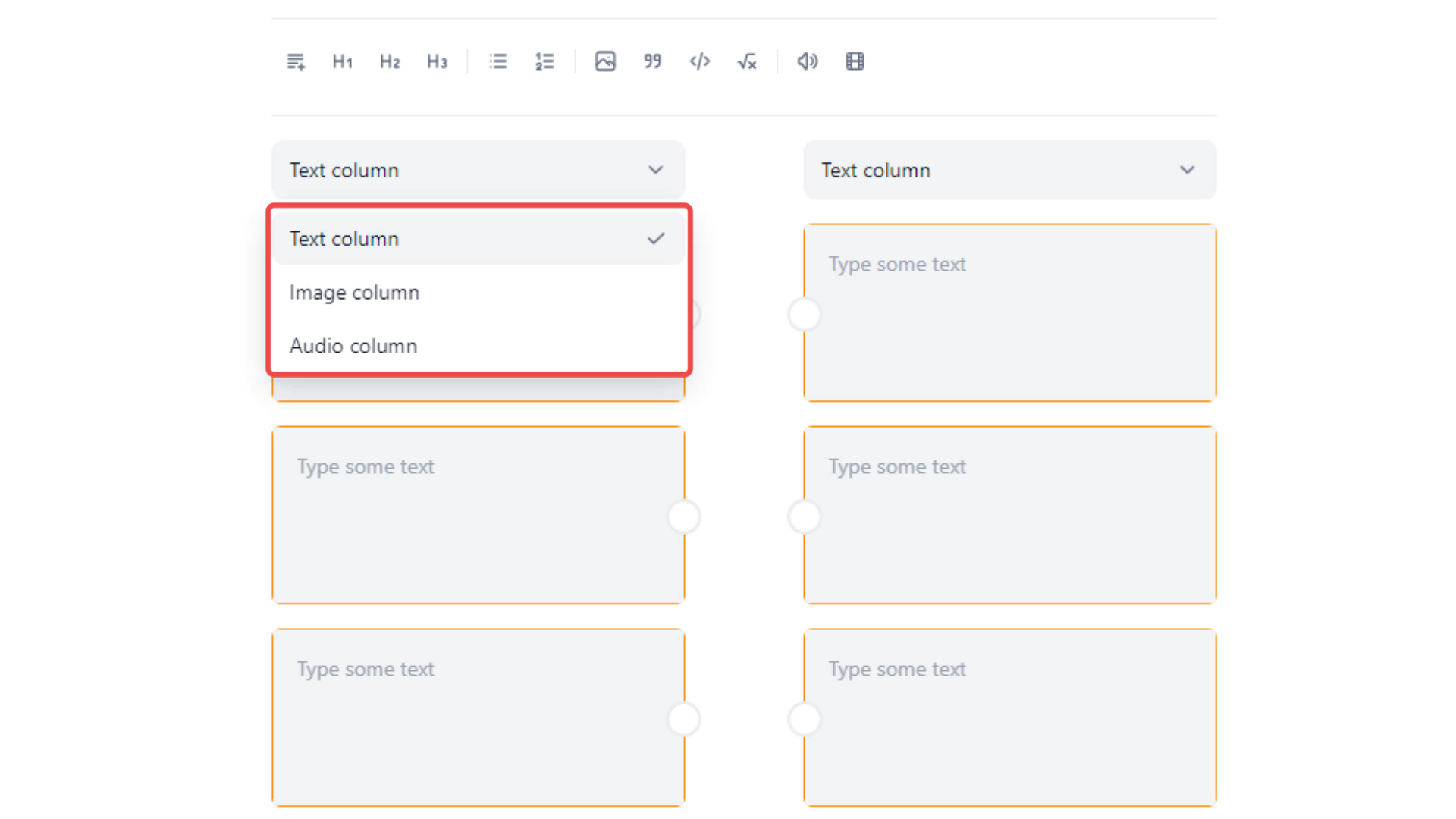 In the Matching question type, users can:
- Add unlimited rows to form pairs.
- Arrange the order of items in each list by hovering over the item and then clicking on the up-arrow or down-arrow icon to move the item up or down.
- Remove any item by clicking on the **delete icon **when hovering over the item.