

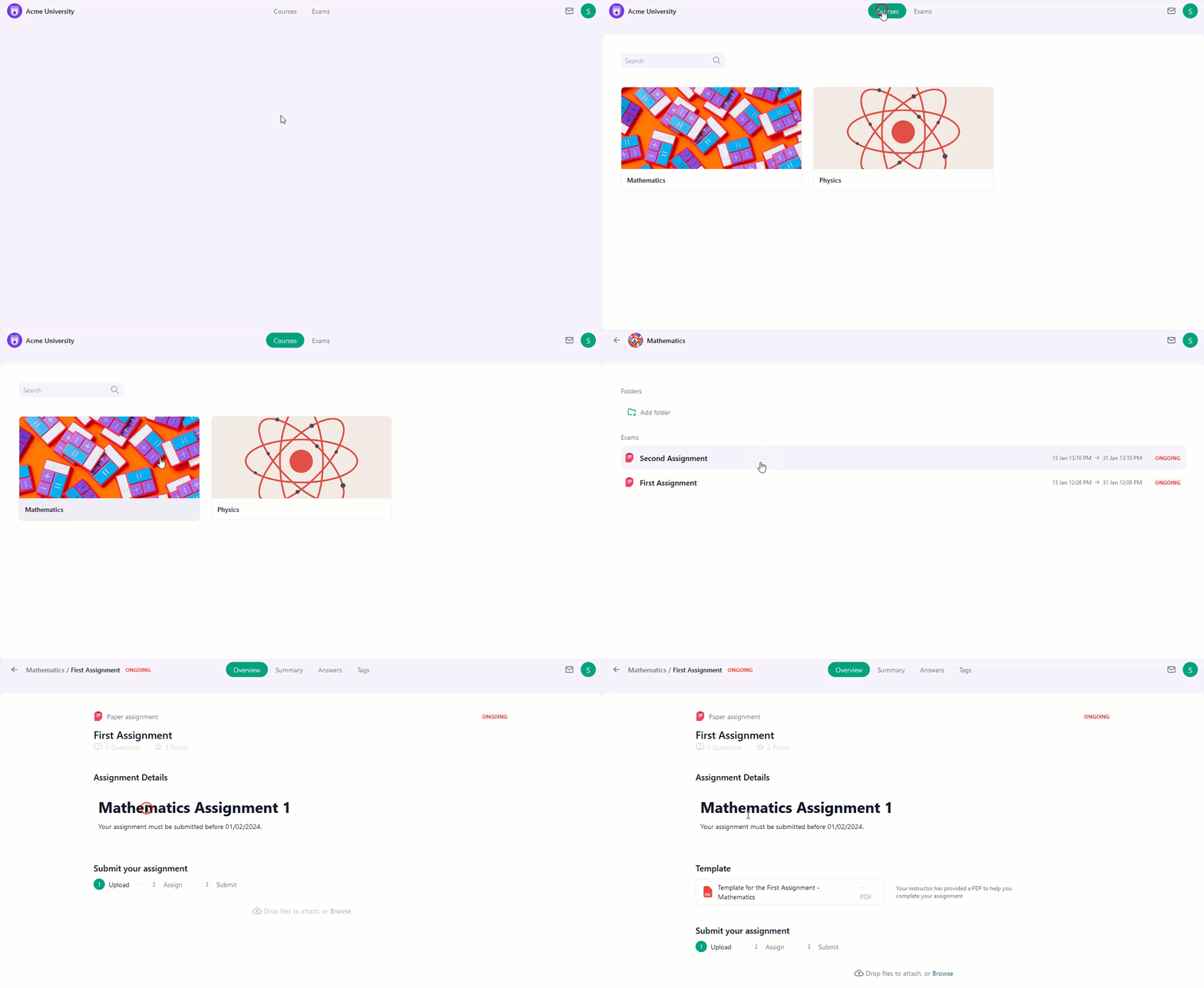
- Navigate to OpExams home page
- Click on “Courses” at the top center.
- From there, simply choose the desired course and the assignment to view the assignment details.
 If you’re having trouble finding your assignments or courses, make sure:
If you’re still having trouble finding your assignments or courses, you can reach out to OpExams Support Team for further assistance.
If you’re having trouble finding your assignments or courses, make sure:
If you’re still having trouble finding your assignments or courses, you can reach out to OpExams Support Team for further assistance.