

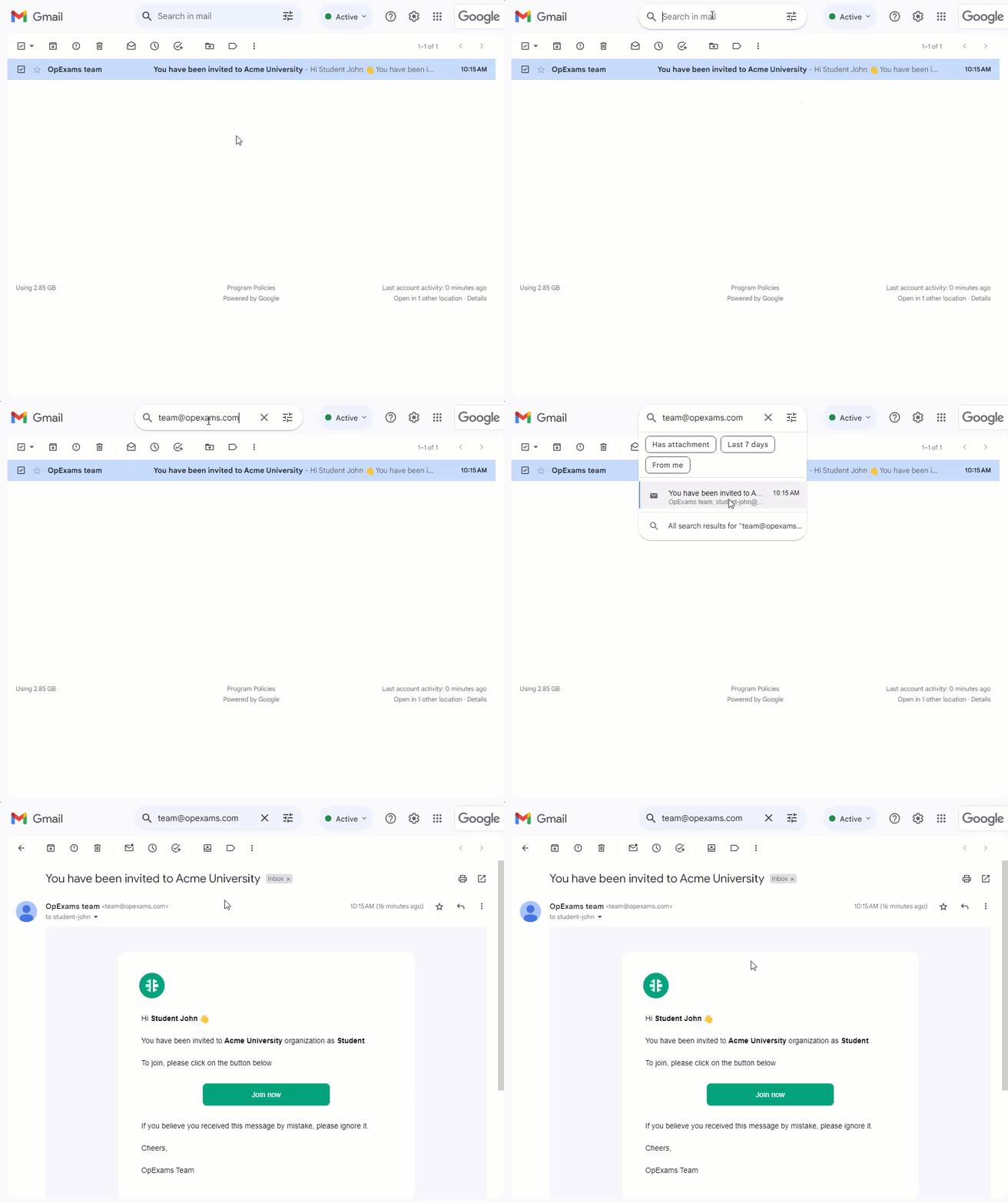
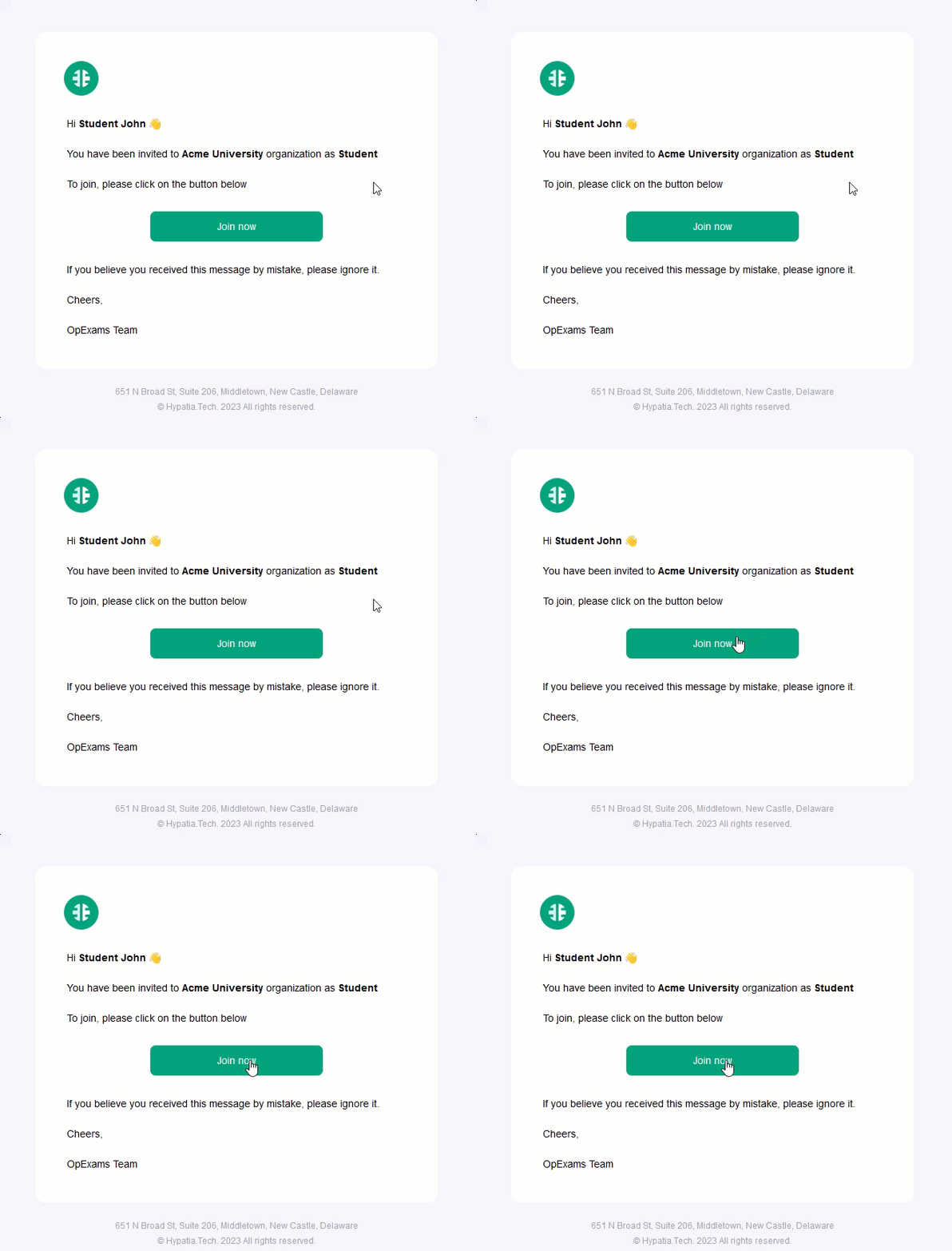
 Inside the email message you will find a button labeled “Join now”, by clicking on this button you will be directed to the OpExams platform where you can create your account.
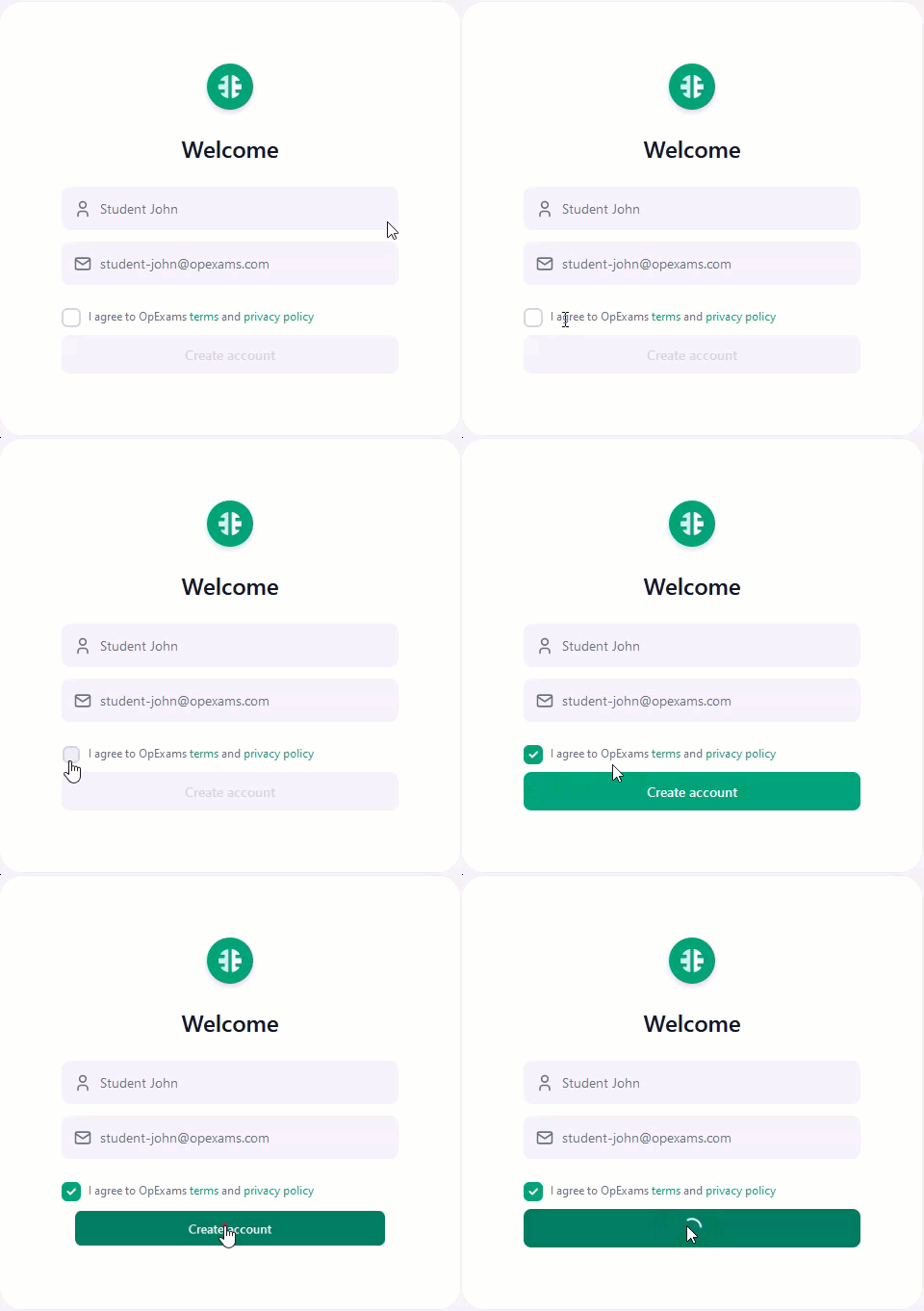
 Proceed by agreeing to OpExams’ terms and privacy policy and then click on “Create Account” to complete the registration process.
 Congratulations 🥳, you have joined the organization successfully! You should see the organization name and logo at the top of the page.